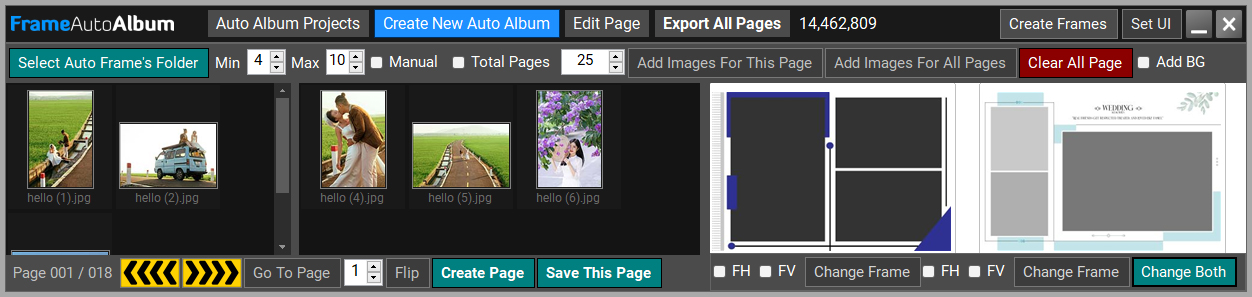
Automatic Album Design
Frame Auto Album
Assign images and Auto Frames across left and right pages, preview the page structure and create complete album pages through Photoshop.


Photoshop Toolkit is built for professional photographers and album designers who want to reduce repetitive Photoshop work. It combines automatic album creation, template-based workflows, instant collage design, asset libraries, converters, AI-assisted tools and production helpers in one organized workspace.
These are actual Photoshop Toolkit interfaces. Choose the workflow that matches the job: automatic frames, PSD templates, generated collage variations or a focused single-page maker.
Assign images and Auto Frames across left and right pages, preview the page structure and create complete album pages through Photoshop.
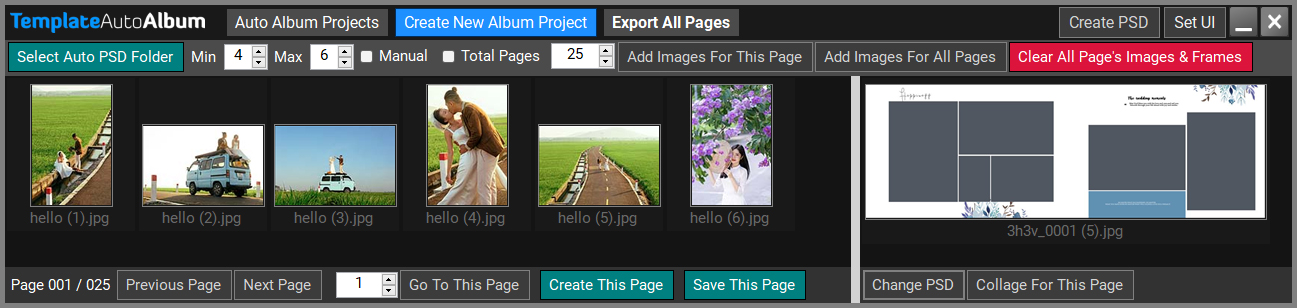
Build an album around your PSD template collection while Toolkit manages page images, template assignment and repetitive filling.
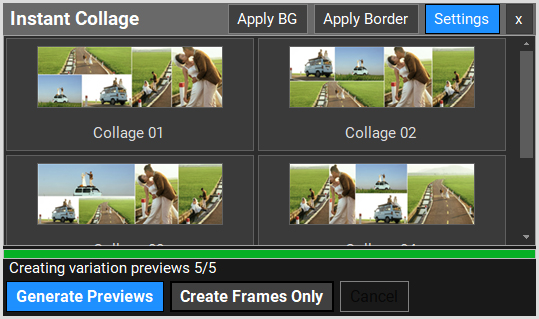
Instant Collage can calculate several visual layout variations from your selected photographs. Review the thumbnails, choose the composition you prefer and create that variation in Photoshop.
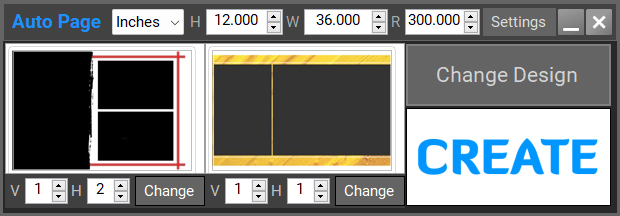
Set the page size, work with left and right frame areas, change the design and create a finished Photoshop page from a compact interface.
Toolkit is not only a collection of dialogs. The main workspace gives photographers direct access to images, frames, Auto PSDs, wallpapers, clipart, prompts and everyday Photoshop commands.





Toolkit includes an AI image generator plus a command interface that can be used in text or voice mode for supported Toolkit operations.
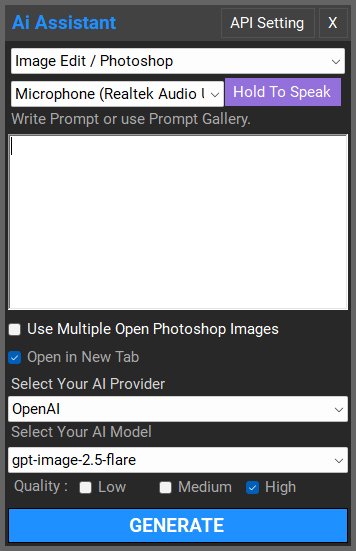
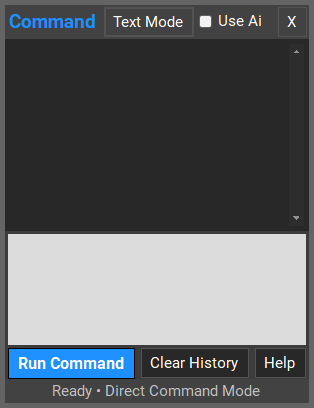
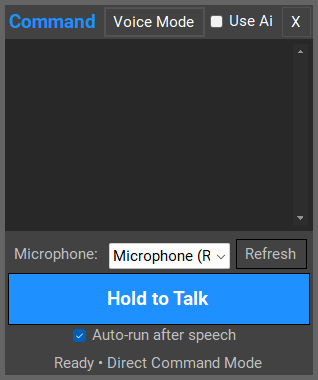

The prompt area lets you organize prompt shortcuts, search your collection, create or update prompts and open the AI Assistant from the same workspace.
Converters, batch processing, retouching shortcuts and studio helpers reduce the number of separate applications you need for routine production.
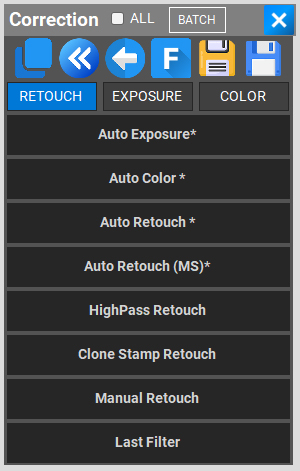
Quick access to retouch, exposure, color and other Photoshop correction workflows.
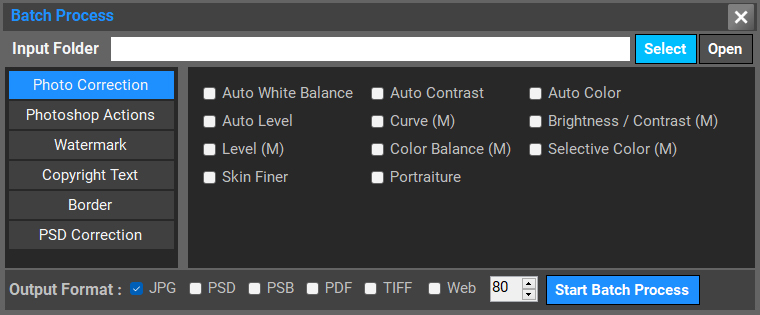
Apply selected photo corrections or Photoshop actions to groups of files and choose output formats.
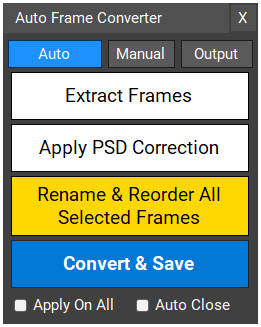
Extract, correct, rename, reorder and convert frame assets for the Auto Frame workflow.
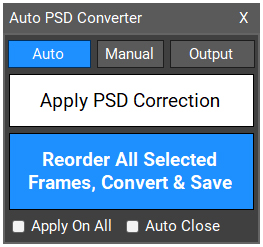
Apply PSD correction, reorder selected frames and convert files for Auto PSD use.
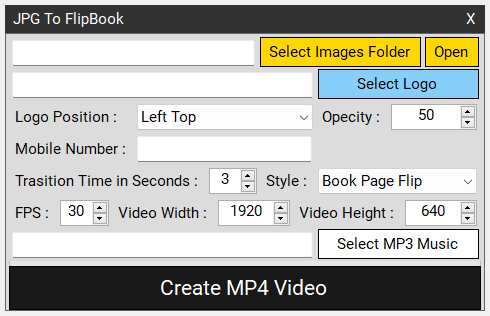
Create MP4 presentations from album pages with logo, music, size and transition controls.
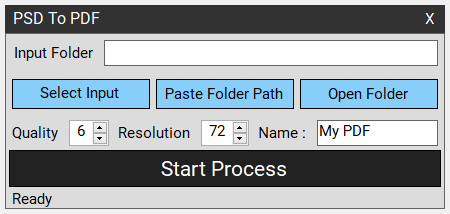
Create PDF output with quality, resolution and naming controls.
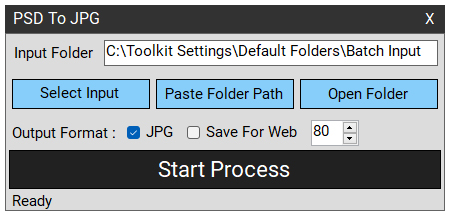
Batch-export PSD files to JPG with a studio-friendly output workflow.
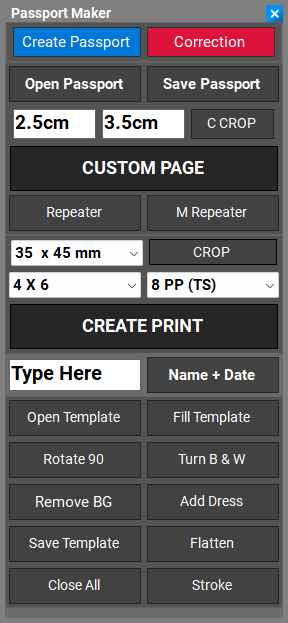
Prepare common passport-photo sizes and arrange them for print output.
When a photography job reaches the client-review stage, PixNClient provides a dedicated browser-based workflow for photo selection, favorites, image-specific instructions and album page approval.

Photoshop Toolkit is developed around practical wedding album design and studio production. Mohit Jaipuri is a designer and Photoshop/Lightroom faculty whose training events are conducted across India.
EMI option available. We do not have any other official helpline number or sellers apart from the contact information published on this website. Please be careful of fake product sellers.