01
Simple for clients
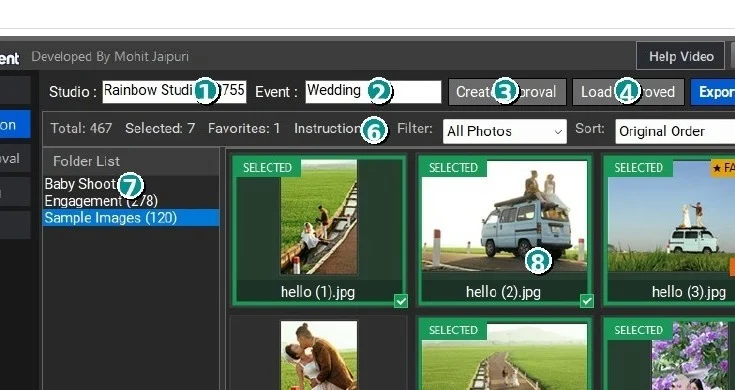
Photo selection and album approval projects open in a web browser. The client does not need PixNClient installed.


PixNClient is designed for real photography-studio work. Prepare photo-selection projects, collect album corrections, manage quotations and invoices, record payments and expenses, and create useful QR codes without making your client learn complicated software.
PixNClient helps you organize client decisions and studio records in a simple interface that is easier to explain to customers and easier for staff to operate every day.
Photo selection and album approval projects open in a web browser. The client does not need PixNClient installed.
Selected photos, favorites, instructions, approved pages, changes and pin comments come back into the studio workflow.
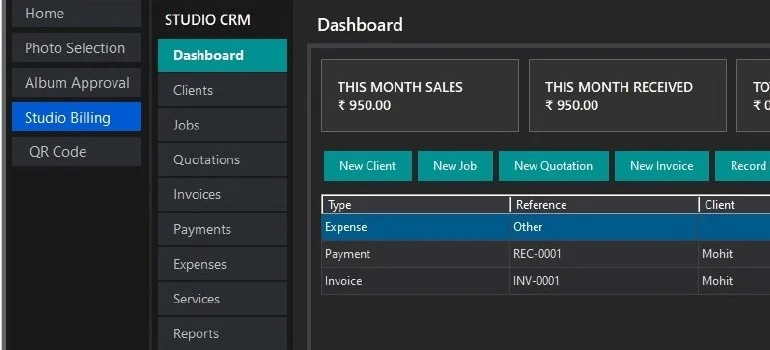
Keep clients, jobs, quotations, invoices, payments, expenses, services and reports together.
Studio Billing can create client-facing quotation, invoice and receipt PDFs using your studio details, logo and signature.
Create scannable QR codes for websites, WiFi, WhatsApp, phone, SMS, email, UPI payments and Google Maps.
The interface focuses on visible buttons, straightforward actions and workflows photographers can explain quickly.
Add one or more photo folders, create the approval project and send the generated HTML file to the client. The client can review images in a browser, mark selections and favorites, and add photo-specific instructions.
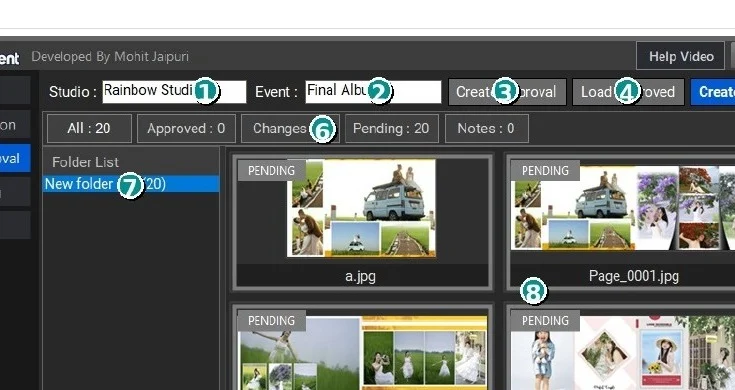
Send designed album pages to the client as a browser-based approval project. Each page can be approved or marked for changes, with notes and pin comments showing exactly where a correction is required.
Create client records and jobs, prepare quotations, convert them to invoices, record payments and expenses, manage reusable services and packages, and review reports from the same workspace.
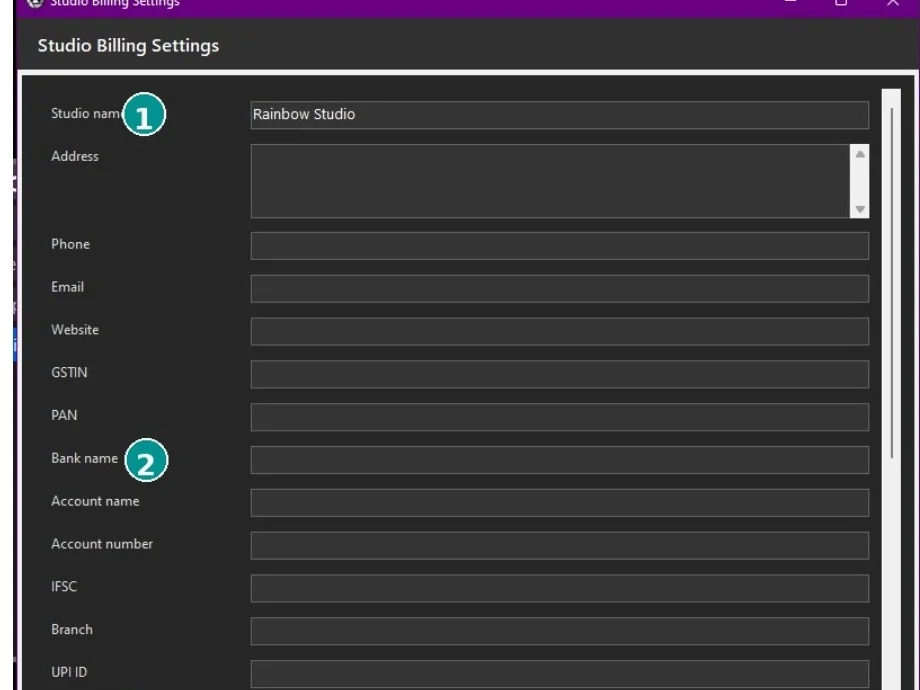
Add studio details, tax defaults, bank/UPI information, logo, signature and document settings.
Store the customer and create the actual assignment such as Wedding, Pre-Wedding or Album Design.
Prepare a quotation, send the professional PDF and convert the confirmed quotation into an invoice.
Record advance/final payments and expenses, then check outstanding, sales, profit and other reports.
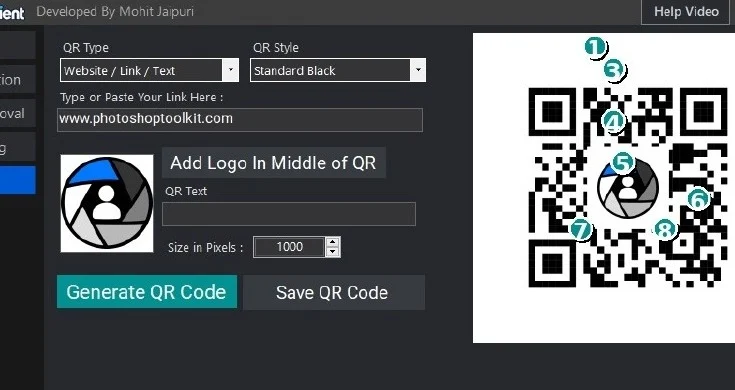
Choose the QR type, enter the required details, select a visual style, optionally add your logo and save a high-resolution PNG or JPG after testing the preview.
The first activation requires Internet access. After successful online verification, PixNClient can use temporary offline authorization for up to 48 hours when the activation server is temporarily unavailable.
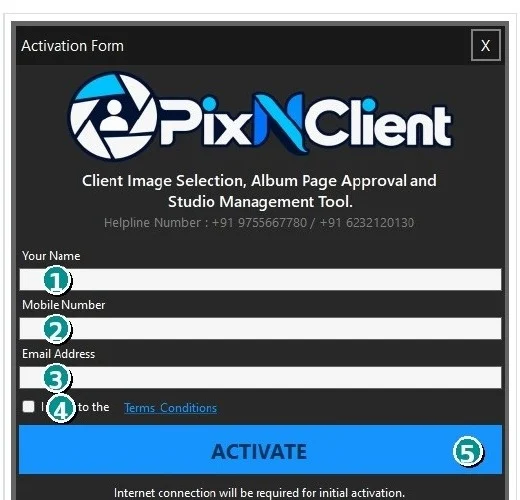
The complete Hindi (Roman / English text) user manual explains activation, Photo Selection, Album Approval, Studio Billing and QR Code Generator with screenshots and practical examples.
Use one practical desktop workflow for photo selection, album corrections, studio billing and QR codes.